
Edgecombe Arrests Within 24 Hours
Edgecombe County's official option is Inmate Confinements from the sheriff's office. Open it, then set the admits-by-date controls. Pick Last 24 hours from the list. Booking cards load right after. The window keeps rolling forward rather than resetting at midnight. What you see reflects admissions from the prior day. The Edgecombe County Detention Center processes each one. Rocky Mount, Tarboro, the sheriff, or any other agency can make the arrest. Its entry appears only once the person reaches county intake and the record goes in. Timing has two labels. Arrest time comes from the arresting agency, while admit date marks entry into detention. They need not match. The interface also uses relative phrases such as hours ago for entry times. Edgecombe County makes no fixed promise about posting speed. Treat it as a live operational view, not a county-wide arrest count.
Check Edgecombe Arrests Today
Begin with the stable public page itself. Skip copied results and technical endpoints, because Citizen Connect builds each card live. Give the page a moment after choosing a view. Note the time you checked, then follow this sequence.
- Open the official Inmate Confinements page and choose the admits or date-range view.
- Select Last 24 hours and wait for the booking cards to load.
- Match more than a name. Compare age, booking number, arresting agency, arrest time, and admit date.
- Open View Full Details for the one matching record rather than copying a list of people.
- If the person is not shown, check Current Confinements and then ask the sheriff for Records/Booking routing.
The current-confinements tab asks something else. It shows who is held right now. Someone admitted during the rolling day can drop off after bond, release, or transfer, yet still count in the same-day window. Someone held now may also have entered before the last 24 hours began. Keep those views separate. The official booking interface displays the confinements screen that supports this check.
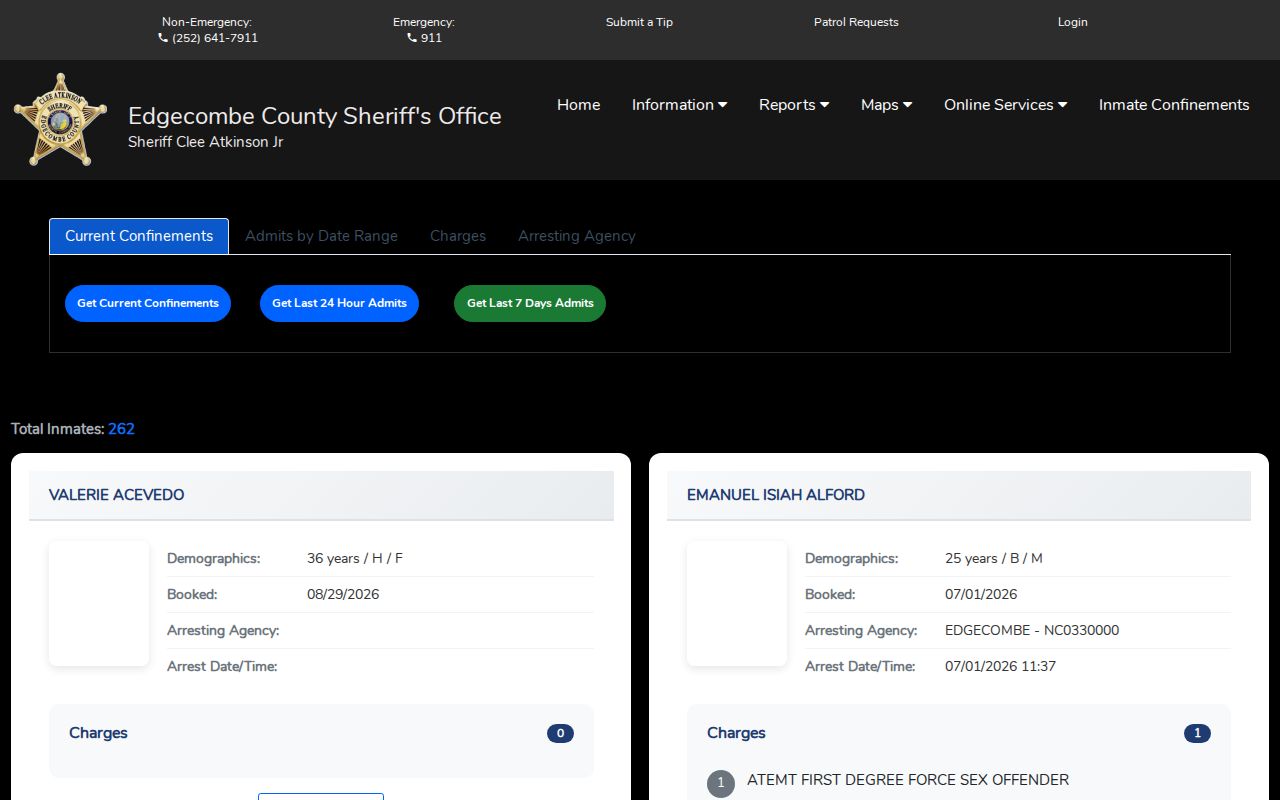
The rolling window lives on the live page. Use its visible controls there, not a stored list of names.
Edgecombe Same-Day Arrest Fields
Fields can differ from booking to booking. The full-details page may carry more than its summary card shows, and the portal may list items such as these.
| Field | How to read it |
|---|---|
| Name and booking number | The intake name and internal booking identifier. Use several fields to confirm identity. |
| Relative age and admit date | Clues to when the detention record entered the rolling view. |
| Arrest date and time | The recorded arrest event, which may differ from admission time. |
| Arresting agency | The agency tied to the arrest, such as Edgecombe, Tarboro, or Rocky Mount. |
| Charges and charge count | Charges listed at intake, not later court outcomes. |
| Bond amount and type | Booking-system bond data that should be confirmed through the court or magistrate. |
| Photo | A public booking image when available, or a generic no-photo placeholder. |
| Full details | A link to the record-specific booking page. |
A photo placeholder means little. The sheriff does not promise that every booking image becomes public. No booking photos are reproduced here. Ask the record custodian for a public image when one matters. Bond deserves equal care. A listed total or bond type is a point-in-time booking field. Release is never guaranteed by it. Charge-level entries can differ from a card's total. For exact status, give the booking number to the clerk or another court contact and ask for the current case record.
When Edgecombe Bookings Lag
No Edgecombe County source states a standard lag between arrest and online display. Bookings can appear hours after their recorded arrest time. A single case proves nothing about posting rules. Processing takes time, since transport, intake, data entry, and transmission from the arresting agency all sit between the two moments. A magistrate step may follow the arrest as well. The booking portal does not measure that legal process. Urgent timing calls for direct action. Check Current Confinements on the same portal first. Then call the Edgecombe County Sheriff's Office at 252-641-7911 and ask for Records or Booking. Staff may want a full name, an approximate arrest or admit date, the arresting agency, and a booking number if known. Silence on a screen never proves a person is free.
Request an Edgecombe Arrest Record
Edgecombe County's online date filters cover only a short window. The custom-range rule caps any search span at 31 days or less. An arrest record can roll off the public view. When that happens, call the Edgecombe County Sheriff's Office at 3005 Anaconda Road, Tarboro, NC 27886. Ask where the Records and Booking unit accepts written requests. Confirm which delivery method the staff prefers before you send anything.
A records request works best when it is narrow. North Carolina Chapter 132 lets you ask for existing documents, so name exactly what you want. Include the full name, the booking number, the arresting agency, and the approximate arrest and admit dates. State exactly which piece you want. Options include the booking record, the admit or release entry, or the charge and bond fields. You can also ask for a public booking photograph. Edgecombe County posts no fixed fee or response time for booking records. Ask about reproduction costs before anything is processed. The office can redact protected, juvenile, sealed, or investigative material. It will not create a missing record.
Request electronic copies whenever they exist. Ask for notice of any cost before work begins. If part of a record is withheld, request the legal basis for each redaction. A booking card and an investigative file are different things under North Carolina law. A tight request routes faster. Ask for one booking card, not every document tied to an investigation.
Note the time of your online search. A rolling view can change while a records request is pending. The public interface makes no promise about long-term photo retention. So write down the booking number. An image is less reliable. That number gives staff a stable reference.
For a longer span of admissions, use the Edgecombe County Arrest Log. It covers the seven-day blotter. It also maps the path to older records. The log treats the same-day feed as a live view rather than an archive.
Edgecombe Arrest Apps Differ
The Edgecombe County Sheriff NC app offers tips and public-safety news. It also lists sex-offender information and a staff directory. Nothing in its store description promises booking searches or booking photos. Citizen Connect alerts handle BOLOs, road closings, missing persons, and wanted-person notices. Neither channel matches the photo-capable Inmate Confinements page. The official app listing shows those stated functions.
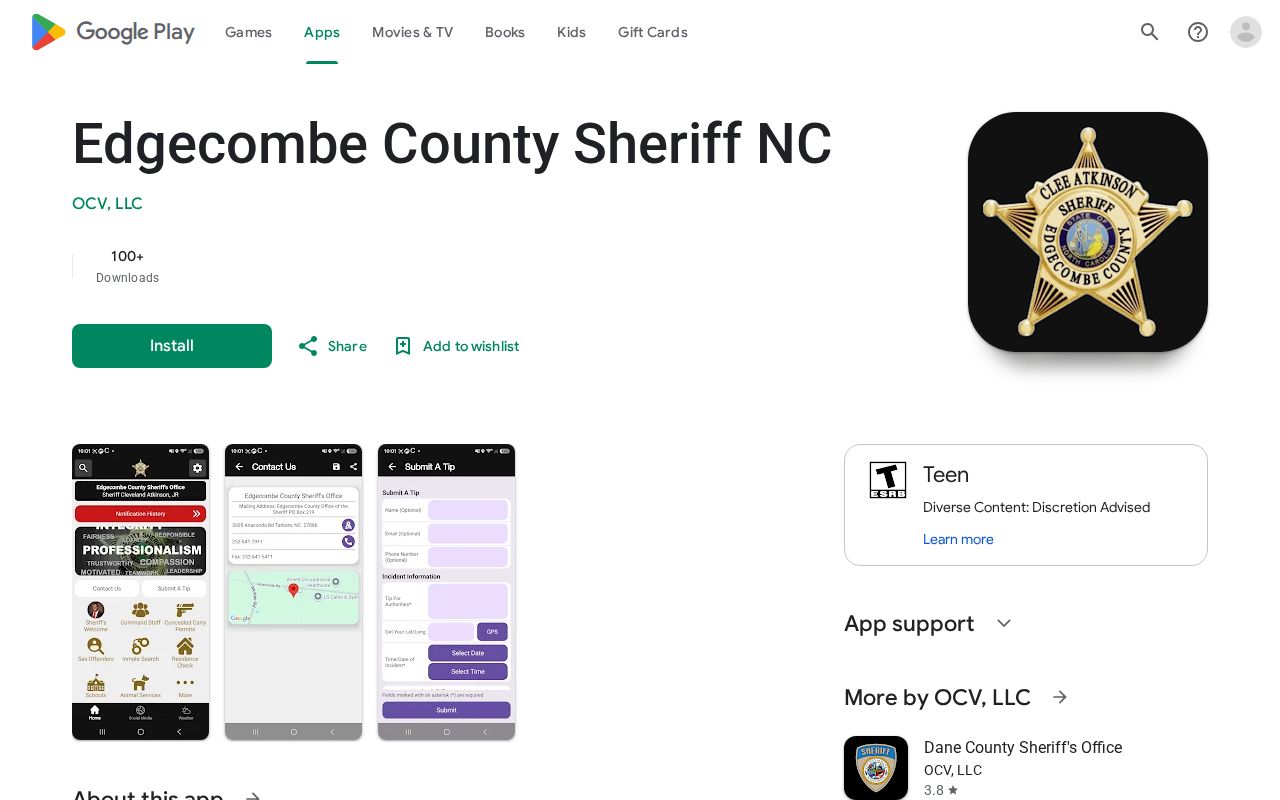
These features separate community alerts from the official booking search.
Edgecombe Arrests Are Accusations
A booking card preserves intake facts exactly as the detention system entered them. It is a snapshot, not a history. Bond fields can change after booking. For anything that follows, the court record tells the story.
North Carolina's Judicial Branch offers Edgecombe County court resources and the eCourts Portal. A disposition is simply the result or current status of a court case. Only the court record shows what happened after the booking. A booking photo cannot do that. Neither can a charge label or admission card.
Each official view has one job. Last 24 Hours lists recent Edgecombe admissions. Current Confinements shows the present jail display. The full booking page adds record detail. Sheriff records staff handle existing material that has left the public window. The court supplies the later case result. That division keeps a fast check grounded.
A later prison sentence moves a person into state custody. The North Carolina Department of Adult Correction offender search becomes the proper source then. It still does not replace the county's same-day booking view.